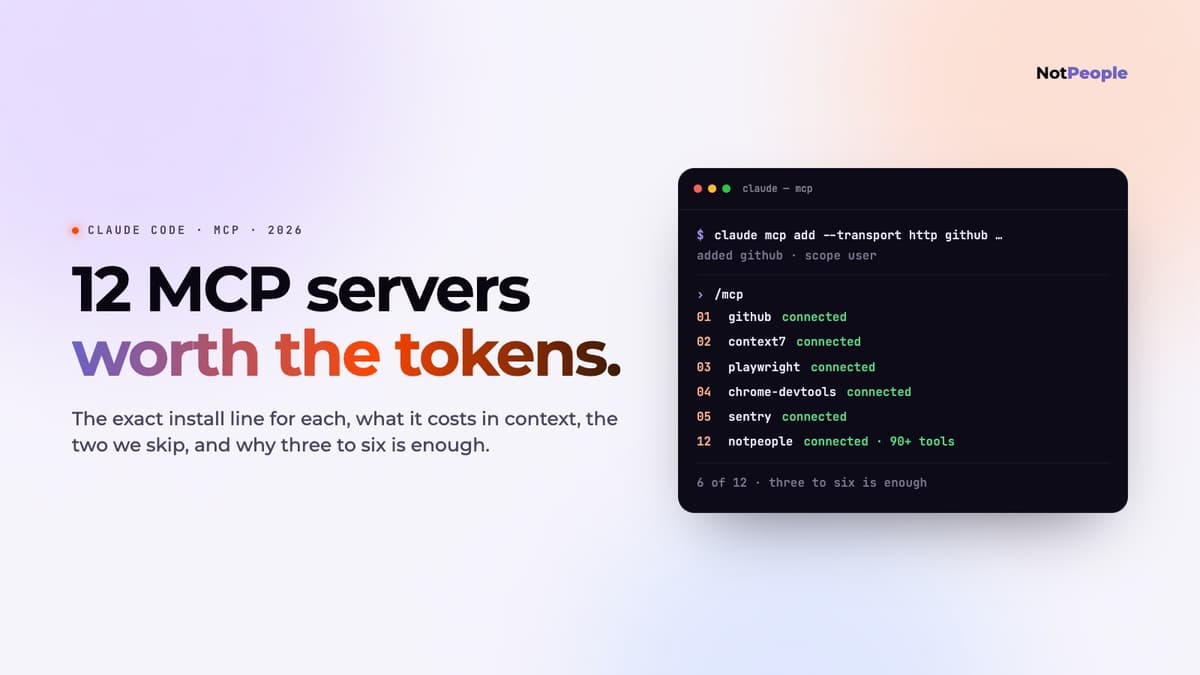
Last week we fixed an SPF record in Google Workspace without opening the admin console ourselves. Claude Code drove a Chrome tab through the Chrome DevTools MCP server, clicked through the DNS screens, pasted the include, and read the confirmation back. The whole thing was one message and about four minutes. That is what an MCP server changes: the agent stops being a very good autocomplete for your editor and starts being able to touch the things around your editor.
MCP servers are easy to add and easy to over-add. Every one costs tokens on each turn, every credential you hand over is a surface, and half the lists online are padded with servers nobody runs. This is the short list we would install on a new machine today, with the exact claude mcp add line for each, what it is for, and what it costs you.
Quick answer
Which MCP servers are worth adding to Claude Code? Start with three to six, not twenty. GitHub for issues and pull requests, Context7 for current library docs, Playwright or Chrome DevTools for a browser the agent can drive, and one server for the system your work actually lives in (Sentry, Linear, Supabase or a read-only Postgres). Add search (Exa), SEO data (DataForSEO) and social (NotPeople for X and Reddit) when the job calls for them. Add remote servers with claude mcp add --transport http <name> <url>, local ones with claude mcp add <name> -- <command>, check /mcp inside a session, and keep every token read-only where the server allows it.
How to add an MCP server to Claude Code
Three forms cover everything. A remote server with a URL:
claude mcp add --transport http <name> https://server.example.com/mcp \
  --header "Authorization: Bearer $MY_TOKEN"
A local server Claude starts as a process, with everything after -- being the server's own command:
claude mcp add --env API_KEY=value <name> -- npx -y some-mcp-server
Or a JSON blob when a server's docs hand you one:
claude mcp add-json <name> '{"type":"http","url":"https://…/mcp"}'
Scope decides who sees it. The default is local (this project, you only). --scope user makes it available in every project on the machine. --scope project writes it to a .mcp.json in the repo so the whole team gets it, with ${VAR} expansion for secrets so the file can be committed. claude mcp list, claude mcp get <name> and claude mcp remove <name> manage what you have; /mcp inside a session shows what connected and handles OAuth sign-in for servers that need it.
One number to keep in mind: Claude Code warns when a single tool result passes 10,000 tokens and cuts it at 25,000 by default. Servers that return a whole schema or a whole page in one call hit that, which is why a few of the picks below come with a "use the read-only or scoped mode" note.
The list
Ranked by how often we reach for them, not by GitHub stars.
1. GitHub
Issues, pull requests, reviews, checks, file contents across repos, all from the session. The official server from GitHub is remote, so nothing to install locally.
claude mcp add --transport http github https://api.githubcopilot.com/mcp/ \
  --header "Authorization: Bearer $GITHUB_PAT"
Use a fine-grained token scoped to the repositories the agent should see. The server exposes a lot of tools, so it is the heaviest on the list for context; if you only need gh-style operations, the gh CLI through Bash is cheaper.
2. Context7
Current, version-specific documentation for libraries, pulled on demand instead of remembered from training data. The single biggest reducer of "that method was renamed two versions ago" mistakes.
claude mcp add --transport http context7 https://mcp.context7.com/mcp
Low cost: two tools, results scoped to the query. Coverage is the popular libraries; an internal SDK will not be in it.
3. Playwright
A browser the agent can drive through the accessibility tree: open a page, click, fill, read what rendered. This is how Claude Code verifies its own UI changes instead of asking you to look.
claude mcp add playwright -- npx @playwright/mcp@latest
Medium cost, since page snapshots are text. Point it at local and staging only; a server that can click is a server that can submit.
4. Chrome DevTools
Same idea, different lens: it attaches to a real Chrome, so the agent gets the network panel, console, performance traces and Lighthouse, not just the DOM. This is the one that fixed our SPF record, and the one we use to profile pages before a deploy.
claude mcp add chrome-devtools -- npx -y chrome-devtools-mcp@latest
It opens a visible Chrome and can reuse a logged-in profile, which is exactly why it can do admin-console work and exactly why you should think before pointing it at one.
5. Sentry
Production errors with stack traces and the breadcrumbs around them, so "why is this failing for users" starts from the actual event instead of a paste.
claude mcp add --transport http sentry https://mcp.sentry.dev/mcp
Remote, OAuth through the browser on first /mcp. Medium cost when it returns a long trace.
6. Linear
Tickets, status, comments and project state. Useful less for reading than for closing the loop: the agent finishes a change and updates the issue with what it did.
claude mcp add --transport http linear https://mcp.linear.app/mcp
Remote, OAuth. If several agents share the workspace, scope each to a project.
7. Supabase
Schema, migrations, edge functions, storage and logs for a Supabase project. The read_only=true flag in the URL is the difference between an agent that inspects and one that alters.
claude mcp add --transport http supabase \
  "https://mcp.supabase.com/mcp?project_ref=YOUR_PROJECT_REF&read_only=true"
Point it at a development project unless you have a reason not to.
8. Postgres, read-only
For any other database, DBHub gives the agent schema and queries over a DSN. The DSN decides the blast radius, so make it a read-only role.
claude mcp add --transport stdio db -- npx -y @bytebase/dbhub \
  --dsn "postgresql://readonly:pass@host:5432/db"
Low cost per call; a full schema dump can hit the output limit on a big database, so ask for tables by name.
9. Figma
Design tokens, component structure and frame contents from a Figma file, for design-to-code work. Quality tracks how well the file is named: a frame called "Frame 412" gives the agent nothing to work with.
claude mcp add --transport http figma https://mcp.figma.com/mcp
10. Exa
Web search built for agents: semantic results with the page content already extracted, so the agent reads instead of clicking. Our pick for "what is the current state of X" questions during a build.
claude mcp add --transport http exa https://mcp.exa.ai/mcp
Run one search server, not three. They overlap completely and each one adds tools to every turn.
11. DataForSEO
Keyword volume, difficulty, live SERPs, on-page audits and backlinks as tool calls. We used it for every landing on this site: check what people actually search before writing a title, then audit the published page. Pay-as-you-go, so each call has a visible price.
claude mcp add --env DATAFORSEO_USERNAME=you@example.com \
  --env DATAFORSEO_PASSWORD=your-api-password \
  dataforseo -- npx -y dataforseo-mcp-server
Niche, and unnecessary until you are publishing pages. Then it replaces a $100-a-month dashboard.
12. NotPeople, for X and Reddit
Ours, so weigh the placement accordingly. It is the server for the part of a project that happens after the code: trends and live search on X and Reddit, drafts in your own voice, clips with burned subtitles, a weekly plan, and posting through a browser on your machine rather than through the API. Remote, one line:
claude mcp add --transport http notpeople https://mcp.notpeople.ai/mcp \
  --header "Authorization: Bearer $NOTPEOPLE_KEY"
Free tier reads the feed and drafts; the paid tier turns on the local node that posts. Nothing goes out without your approval in chat. The MCP page has the full tool list and the setup guide the walkthrough; the Reddit side has its own page.
Two we would skip
Filesystem. Claude Code already reads and writes files with its own tools; the MCP version only earns its place when you need a directory outside the project and want it sandboxed.
Sequential Thinking. It adds a "think step by step" tool to a model that already plans. We have not seen it change an outcome, and it costs a turn.
How to pick, and how many
Every server is a list of tool descriptions that ride along on each turn, plus a credential you have to trust. Three to six is where the trade stays positive for most people: one code host, one docs source, one browser, and one to three for the systems your work touches. Add a server for a job, remove it when the job is done; claude mcp remove is instant and /mcp lets you disable one without deleting it.
Read-only wherever the server offers it. Fine-grained tokens scoped to the repos or projects the agent should see. Browser servers pointed at local and staging. That is the entire security posture, and it is enough.
Same servers, other clients
The servers above are plain MCP; Claude Code is one client. Codex reads them from ~/.codex/config.toml with codex mcp add, Grok Build and Cursor have their own one-liners, and remote servers like GitHub, Sentry, Linear and NotPeople work identically from all of them. The Codex MCP page has the config keys and the exact lines.
Add the X & Reddit MCP server to Claude Code
Frequently asked
How do I add an MCP server to Claude Code?
For a remote server: claude mcp add --transport http <name> <url>, with --header "Authorization: Bearer …" if it needs a token. For a local one: claude mcp add <name> -- <command> [args], with --env KEY=VALUE for its environment. Add --scope user to make it available in every project or --scope project to share it with the team through .mcp.json. Then open a session and type /mcp to confirm it connected.
How many MCP servers should I run in Claude Code?
Three to six. Each server's tool descriptions are sent with every turn, so twenty servers means a slower, more expensive session that also has more ways to go wrong. Install for the job in front of you and remove or disable servers when the job ends.
What is the best MCP server for Claude Code?
For most developers, GitHub, because the work already lives there and the server is official and remote. Context7 is the best second: current library docs cut the class of errors that come from outdated API memory. After that it depends on where your project's state lives.
Are MCP servers safe to use with Claude Code?
As safe as the credential you give them. Use read-only modes and roles where the server offers one, fine-grained tokens scoped to specific repos or projects, and point browser-driving servers at local and staging. Claude Code asks before tool calls by default; keep that on for anything that can write or post.
Do these MCP servers work with Codex or Cursor too?
Yes. MCP is the protocol; the servers do not care which client calls them. Codex adds them with codex mcp add or in ~/.codex/config.toml, Cursor through its MCP settings. Remote HTTP servers such as GitHub, Sentry, Linear, Supabase and NotPeople are the easiest to share across clients because there is nothing to install locally.
Why does a tool result get cut off in Claude Code?
Claude Code warns at 10,000 tokens of tool output and truncates at 25,000 by default. A full database schema or a whole rendered page can pass that. Ask the server for less (a table by name, a page section), or raise the limit with MAX_MCP_OUTPUT_TOKENS if you have the context to spare.