Set up the NotPeople MCP.
Sign in, generate your key, paste one message into Claude. The assistant installs everything itself and opens a window for you to log into X. You answer a few questions at the end.
This works on a computer, not a phone. The assistant installs a separate stealth browser on your machine and works inside it. Install one of these agents first. Claude Code is the one the installer below is written for; Codex and Grok Build connect to the same MCP with the one-liner on their card, then follow the same steps.
Claude Code
Runs the setup for you. Install Node 20+, then in a terminal:npm install -g @anthropic-ai/claude-code
Codex (OpenAI)
If you already use it: npm install -g @openai/codexConnect the MCP with:codex mcp add notpeople --url https://mcp.notpeople.ai/mcp --bearer-token-env-var NOTPEOPLE_KEY
Grok Build (xAI)
Same MCP, same key. Connect with:grok mcp add --transport http notpeople https://mcp.notpeople.ai/mcp --header "Authorization: Bearer $NOTPEOPLE_KEY"
Sign in to the workspace
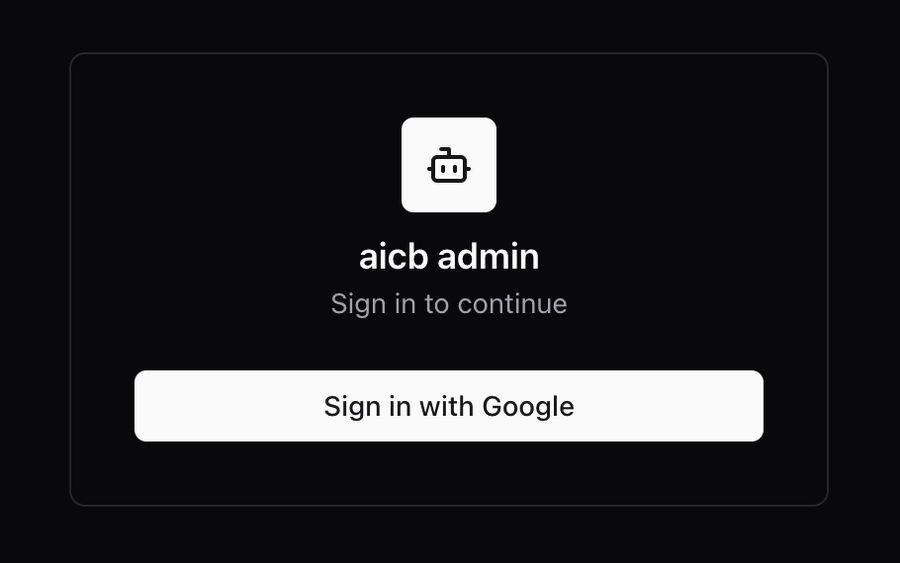
Open app.aicb.notpeople.ai and press Sign in with Google. There is no password. The workspace is called AICB; that is the name you will see on the sign-in card and in the terminal.
Your Google account is the login: the key you generate next is tied to it, and so are your plan and your trial. Start the free trial or subscribe to Pro from the Connect page once you are in. Were you given access by the team? Then sign in with the exact email they used; another Google account will not see your accounts.
Generate your personal key
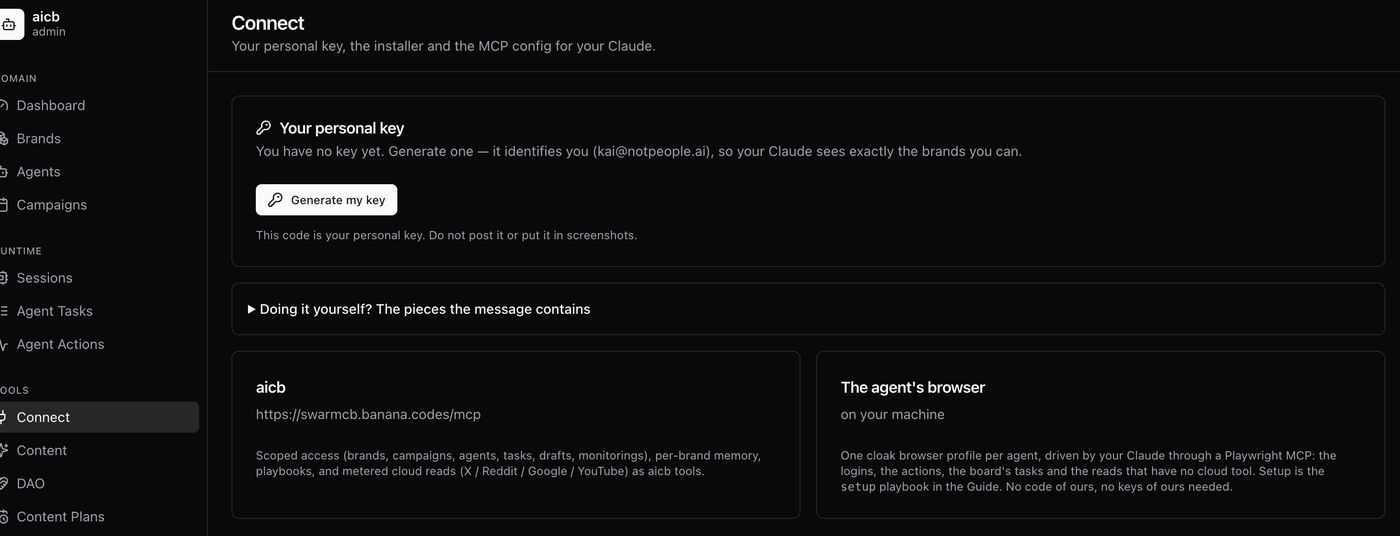
In the left menu, under Tools, open Connect. Press Generate my key.
The key identifies you: with it, your assistant sees exactly the brands you can and nothing else. It is shown only once. If you lose it, come back here and generate a new one; the old one stops working.
Copy the message and paste it into Claude
Right under the key a card appears: Paste this into Claude, that is all. Press Copy. That message already contains your key, the installer command and the whole plan; you don't need to write anything.
Open Claude Code on the computer you'll work from and paste it as your very first message. One edit before you send: the first line says https://x.com/<my handle>. Replace it with your real X link.
The assistant runs the installer. It asks for your X link once, then works on its own for a few minutes: tools, the stealth browser, your persona, and a read of your account. You'll see each step tick off.
Log into X in the window that opens
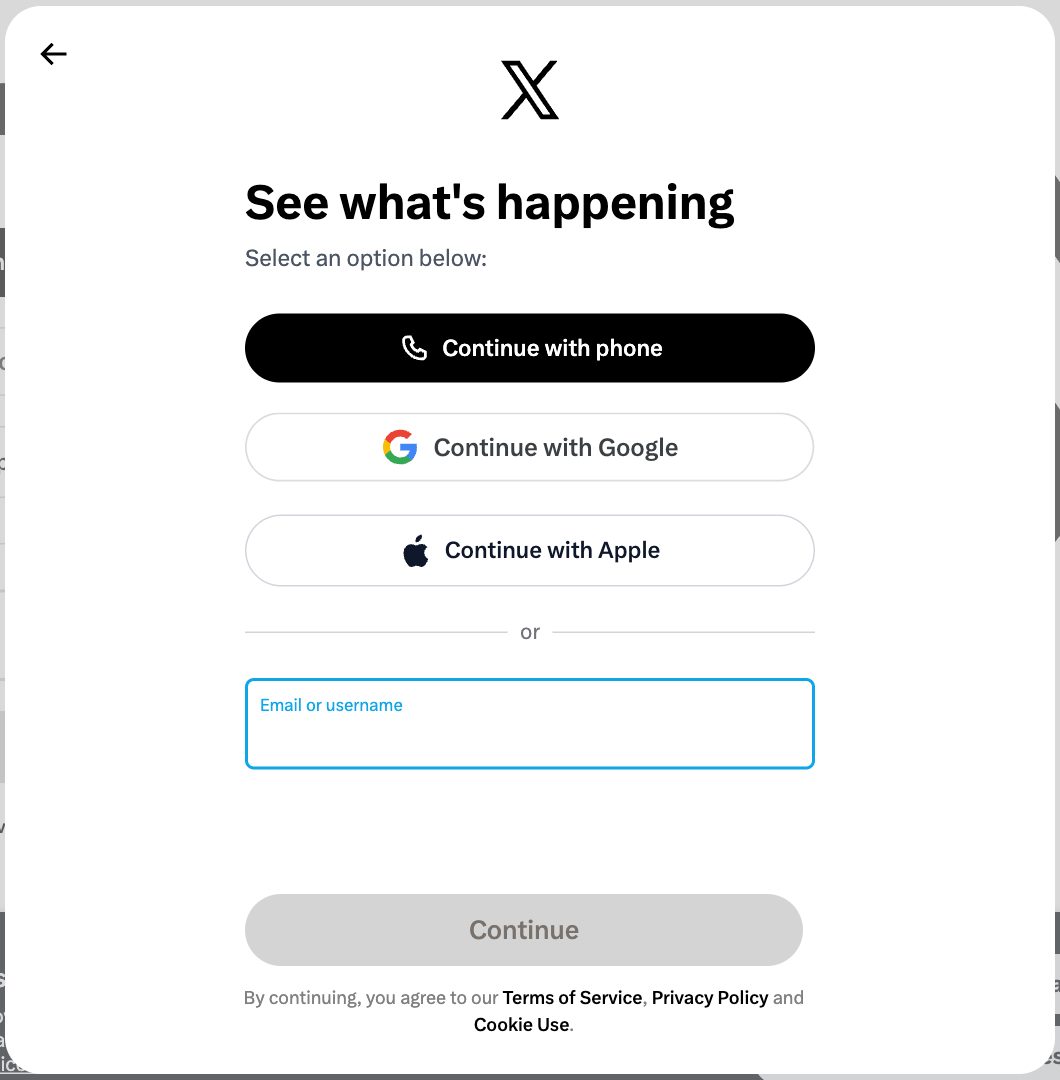
At step 5 a separate browser window appears. That is your stealth browser, the one your assistant will work in from now on. Log into your X account there the way you normally do, phone code and all if asked. The installer notices when you're in and continues by itself.
Your cookies stay in that browser on your machine; the system records only your handle. Never paste cookies or passwords into the chat.
When the installer prints Done, it also shows what it read in your account and what the assistant can do for you.
Restart Claude, paste the message again, answer a few questions
Quit and reopen Claude Code; the new connections load at start. Paste the same message once more: this time the assistant sees it is already connected and moves on to the plan.
It shows what it read in your account (topics, voice, what performs) and asks what to correct. Then it tells you what it can do and asks the one question that starts the work: which rubric do we begin with? Have these ready:
- How you'd describe yourself in two sentences, and who you write for.
- What you never talk about: topics, words, red lines. This gets baked into your brand and won't be crossed.
- Which accounts to connect besides X (Reddit, Threads).
- A couple of links you usually share.
Nothing gets published without you. The assistant writes a draft, you say "ok", then it goes out. If it ever says your key stopped working (a 401), open Connect and generate a new one.
Something didn't work? Send a screenshot of the error or the assistant's reply to the creator community on Telegram; most issues are one missing tool, fixed in a minute. Your key is personal: don't post it or show it in screenshots.
No key yet? Sign in to the workspace and generate one on Connect.